
Layer AI
The AI Operating System for Creative Teams
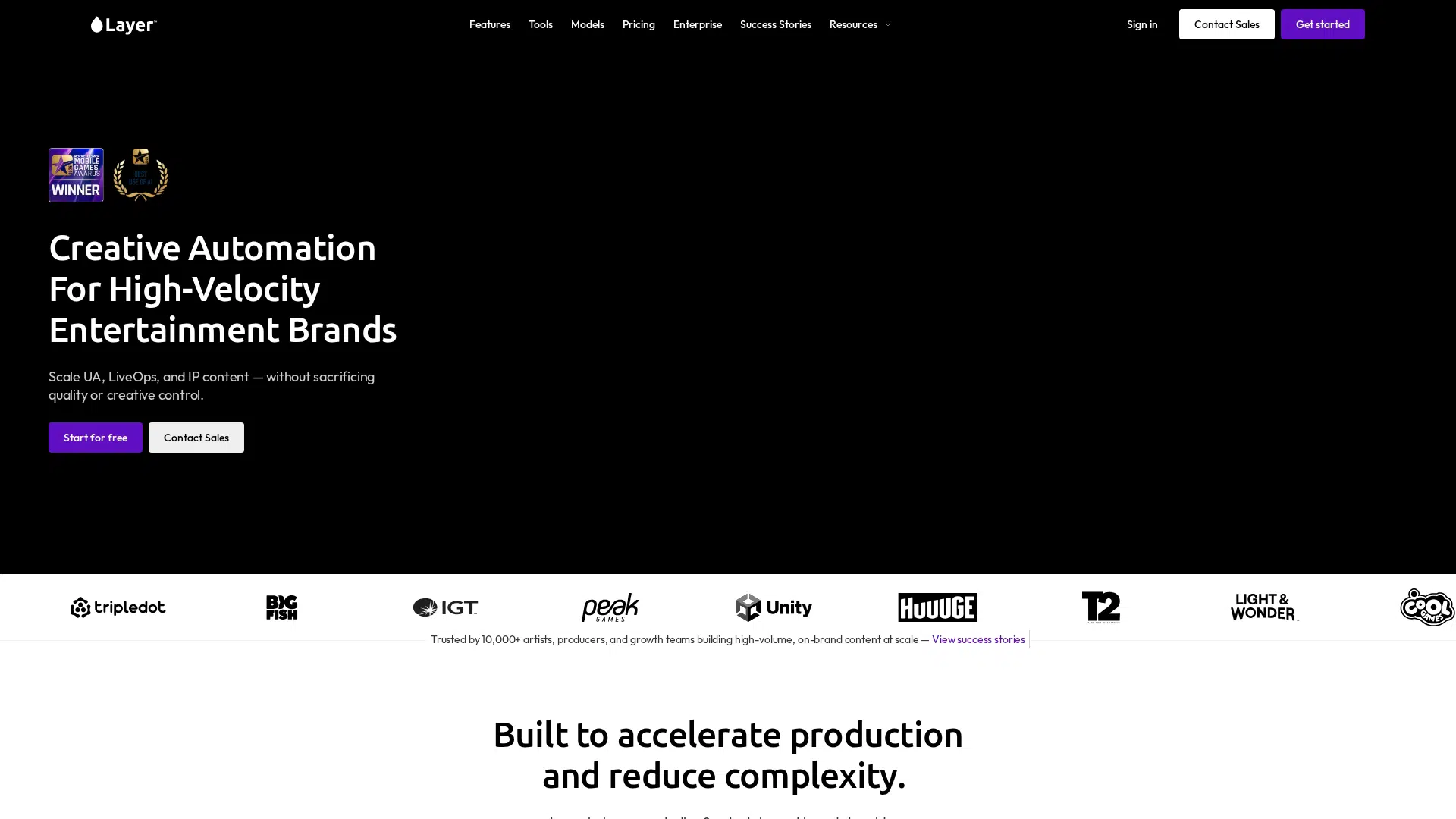
Quick Answer
AILayer is an AI creative platform for game studios that generates and edits images, video, 3D, audio, and playable ads. It integrates with 11 creative tools and ad platforms like Photoshop, Blender, and Meta. Layer is best for creative teams of all sizes, from indie to large publishers, who need consistent, on-brand output. Plans start at $10/month for 300 Creative Units.
Layer is an AI creative platform for game studios that generates and edits production-quality images, video, 3D, audio, and playable ads. It offers custom style training and agent-powered workflows to maintain brand consistency. Layer operates on a usage-based pricing model with no per-seat fees.
Layer offers playable ad generation, a feature not commonly found in other AI asset platforms, and operates as a model-agnostic platform with no house model, allowing users to switch between 300+ models. It also features an agent with memory that learns preferences and delegates tasks to specialist sub-agents.
Decision Intelligence
Best For
AIType
Free Trial
No
Credit Card
Not Required
Free Plan
Yes
Dimension Scores
· 6.3 avgHow good it is, across universal quality axes
Task Scores
· 8.0 avgWhat it can do, per category it works in · showing 10 of 10 tasks scoring 5+
Scores are AI-estimated from publicly available data — not an independent test or a verified user rating. How we rank →
- -Playable HTML games and ads generation is currently in development and available via early access.
- -Unused Creative Units (CUs) expire at the end of their billing period, with only 10% rolling over.
- -Full API documentation is available to enterprise customers only.
- -Enterprise agreements for custom volume requirements and procurement-ready security require contacting sales.
Complexity
Company Size
Target Team Size
Target Skill Level
Privacy & data handling
The Model(s) Behind It
Model details — extracted from public vendor sources by our pipeline (AI extraction plus a source check) or admin-entered. Shown as claimed by the vendor; not independently audited by Intelloro.
Base Models

Professional Editing, Color, Effects and Audio Post in one tool
Generate, edit, and relight assets without leaving Photoshop.
Generate meshes, textures, images, and video inside Blender.
Generate video and audio, edit, reframe, and upscale within Premiere Pro.
Generate video, images, audio, edit, reframe, and upscale within After Effects.
Mention Layer's agent in any thread to generate assets.
Generate and place game art directly into Figma design workflows.
Save reference images from any website to Layer workspace.
Auto-updated
Trust Score
Excellent
Based on 12 data signals
Confidence: High
Reflects publicly available data, not an independent audit
Not yet checked
Some details are AI-generated estimates — verify with the vendor.
AI-generated estimate: Best For, Description, Limitations, Quick Answer, What Makes Unique
How we source dataAI Governance & Regulatory Disclosures
Legally-sensitive fields — extracted from public vendor sources by our pipeline (AI extraction plus a source check) or admin-entered. Shown as claimed by the vendor; not independently audited by Intelloro.
Switching & Migration
Pricing verified from the vendor pricing page.
User Reviews
No reviews yet. Be the first to review!
Top Layer AI alternatives in the same category, ranked by quality.

Canva
AI design, writing & creative tools (Canva)

Framer AI
The design agent for every step from idea to launch

Khroma
AI Color Tool for Designers — discover and save color palettes

Penpot
The open-source design platform for teams

Visily
AI-powered UI design software — wireframes & prototypes

Uizard
AI-powered UI design — wireframes to prototypes in minutes
Looking for more Layer AI alternatives?
Explore our complete list of alternatives with filters for free, cheaper, and higher-rated options.








Who It's For3 rolesGraphic DesignersArt DirectorsWeb and Digital Interface Designers
Platform, Content & Languages4 content types1 languagesImageVideoAudioEnglish+9 more
Content Types
Accepts
Produces
Frequently Asked Questions
What can Layer AI do?
Layer AI can: Creative Agent for brief-driven asset generation, MCP and API access for integration into pipelines, CLI for terminal-based generation and scripting, Agent Skills for directing Layer with coding agents. Best for: Creative producers at game studios needing high-volume, on-brand content.
How much does Layer AI cost?
Layer AI offers a free plan, with paid plans starting from $10/month.
Is Layer AI free?
Layer AI offers a free plan with limited features. Paid upgrades are available for advanced usage.
What makes Layer AI unique?
Layer offers playable ad generation, a feature not commonly found in other AI asset platforms, and operates as a model-agnostic platform with no house model, allowing users to switch between 300+ models. It also features an agent with memory that learns preferences and delegates tasks to specialist sub-agents.
Does Layer AI have an API?
Yes, Layer AI offers a public API for developers to integrate its capabilities into custom applications and workflows.
What platforms does Layer AI support?
Layer AI is available on web, API, browser extension, and CLI.
What languages does Layer AI support?
Layer AI supports English.
Does Layer AI work offline?
No, Layer AI requires an active internet connection to function.
Who is Layer AI for?
Layer AI is designed for Creative producers at game studios needing high-volume, on-brand content; Artists and art directors requiring consistent, production-ready assets; UA and growth teams producing ad creatives and playable ads.